How To Keep Your Phone Battery Healthy On The Move
A practical step-by-step guide to how to keep your phone battery healthy on the move, including preparation, instructions, common issues, tips, and next steps.
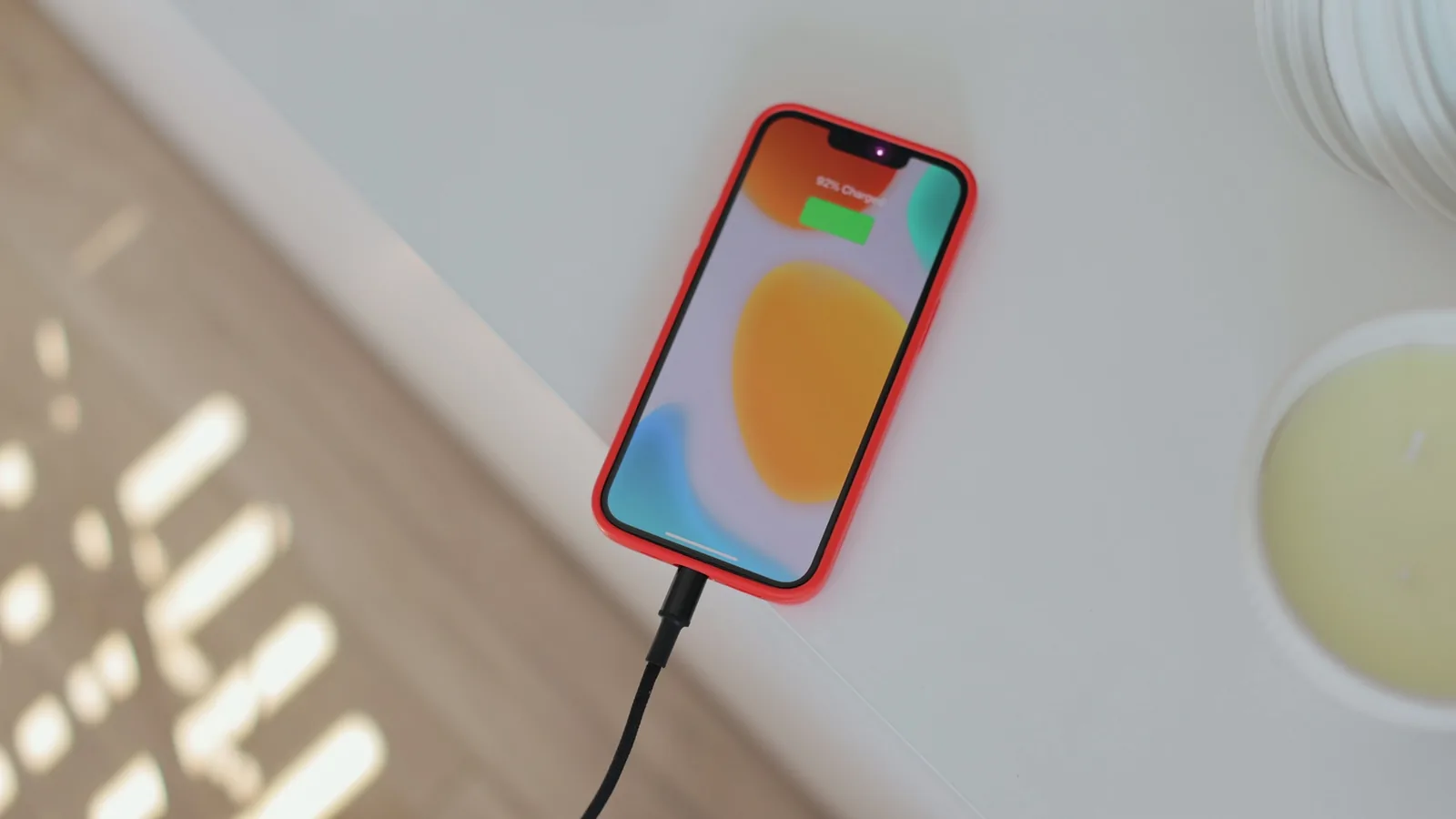
How To Keep Your Phone Battery Healthy On The Move
Keeping your phone battery healthy while traveling involves managing temperature, charging habits, and power settings. This guide provides practical steps to extend battery lifespan and maintain performance during trips, covering preparation, on-the-go strategies, and troubleshooting. By following these tips, you can avoid common battery pitfalls and ensure your device lasts through the day without constant charging.
Fast Answer
- Avoid exposing your phone to extreme temperatures; keep it in a moderate environment to prevent battery strain.
- Use power-saving modes and reduce screen brightness to extend battery life when away from chargers.
Before You Start
- Carry a portable charger and the correct cable for your device, ensuring they are fully charged before you leave.
- Check your phone's battery health in settings; if it's degraded, plan additional charging stops or carry a backup battery.
- Download offline maps, music, and essential documents before departure to reduce data usage and battery drain.
- Adjust your phone's settings: enable battery saver, reduce screen timeout, and turn off background app refresh for non-essential apps.
Step-by-Step Instructions
Carry the Right Charging Gear
Before you leave, confirm that you have a reliable charger, a sturdy cable, and a portable power bank. Check that your power bank is full and supports the amperage your phone requires. Also, bring a wall charger with the appropriate plug for your destination, and if you're traveling internationally, use a universal adapter. A frayed or damaged cable can cause slow charging or inconsistent power flow, which stresses your battery. To test your gear, connect your phone to the power bank and see if it charges normally for a few minutes. This check avoids surprises later when your battery is low and you need a boost. Remember, a quality cable and adapter can make a significant difference in charging efficiency and safety.
Charge Smartly When You Can
Rather than waiting for your phone to drop to zero, plug it in when it reaches around 20% to 30%. Lithium-ion batteries prefer partial charges over deep discharges. If you have access to a power outlet, charge your phone to about 80% and then unplug; constantly charging to 100% can add slight stress. During the day, try to top up for short periods whenever you have a chance, such as during meals or while resting. This habit keeps your battery level in the sweet spot, reducing wear. While charging, avoid using your phone for heavy tasks that generate heat. If your phone is in a case that traps heat, consider removing it while charging to allow better air circulation, which helps keep the battery cooler.
Manage Temperature Extremes
Your phone's battery is sensitive to heat and cold. Keep your phone out of direct sunlight and away from heat sources like radiators or car dashboards. On a hot day, do not leave your phone in a closed car; the interior temperature can exceed safe levels. Similarly, in freezing conditions, keep your phone in an inner pocket close to your body to stay warm. If your phone gets too hot, stop using it and move it to a cooler place. If it's cold, don't charge it immediately; let it warm up gradually. Extreme temperatures can cause battery damage that reduces capacity. Check your phone's temperature: if it feels too hot to touch, it's too hot for the battery. On the other hand, cold reduces battery life temporarily, but a warm pocket fixes that.
Use Power-Saving Settings Wisely
Activate your phone's battery saver mode when you're away from a charger and need to last longer. This mode typically reduces background activity, lowers screen brightness, and limits performance. Additionally, manually adjust settings that consume power: set a short screen timeout, turn off Bluetooth and Wi-Fi when not in use, and reduce the screen resolution if possible. Check your phone's battery usage to identify apps that drain power; often social media, navigation, and streaming can be heavy. Close apps that you're not using, but don't force-stop every app as that can be counterproductive. Also, avoid using live wallpapers or widgets that update frequently. By fine-tuning these settings, you can significantly extend your battery life without sacrificing essential functions.
Know Your Battery Health
Your phone's settings usually have a battery health indicator that shows the maximum capacity of your battery. If your battery health is below 80%, it might not last as long, and you may need to charge more often. Before your trip, assess your battery health; if it's degraded, plan to bring a power bank or schedule charging stops. When you're out and about, monitor how quickly your battery drains during normal use. If you notice a sudden drop in capacity, your phone's battery might be failing, and you should consider a professional replacement. Understanding your battery's condition helps you set realistic expectations and avoid finding yourself with a dead phone at a critical moment.
Handle Low Battery Panic
If you're running low on battery and won't have access to a charger soon, take immediate steps to conserve power. Turn on battery saver mode, reduce screen brightness, and close all apps except essential ones like maps or messaging. Disable location services for apps that don't need them, and put your phone in airplane mode if you don't need connectivity. If you're not using the phone, switch it off completely. When you do charge, use the original or high-quality charger, and avoid charging from a laptop via USB if possible, as it provides a trickle charge that may not be efficient. By staying calm and focusing on these actions, you can stretch your remaining battery until you reach a power source.
Quick Reference
| Situation | Action | Why it helps |
|---|---|---|
| Your phone's battery drops below 20% while waiting for a flight | Activate battery saver, turn off Bluetooth, lower screen brightness, and close all apps except your boarding pass. | These quick adjustments reduce power consumption, ensuring your phone stays on long enough to show your boarding pass at the gate. |
| You're in a car with no charger but you need navigation | Plug your phone into the car's USB port only if it's a typical modest-power port; otherwise, keep it unplugged to avoid drawing extra power from the phone. | Car USB ports vary in power output; a strong port can charge, but a weak one might drain the battery, so it's safer to rely on other methods. |
| You're out in freezing weather and your phone is losing charge fast | Keep your phone in an inner pocket close to your body to warm it, and reduce screen usage to preserve battery. | Cold temperatures slow battery reactions, reducing capacity, and warming helps restore normal performance. |
Common Issues
- Battery drains quickly while using navigation: Pre-download offline maps, lower screen brightness, and close other apps. Also, connect to a charger if possible, as navigation is a heavy task.
- Phone gets hot while charging: Remove the case, avoid using the phone, and make sure you're using a charger with suitable power. If it still gets hot, unplug and let it cool.
- Charging is very slow: Try a different cable and adapter, check that the charging port is clean, and ensure you're using a wall outlet rather than a computer.
Advanced Tips
- Learn about your phone's charging cycles—one full 0-100% cycle counts as one cycle, but it's better to keep battery between 20% and 80% to reduce wear.
- If you carry a wireless charger, know that it may generate more heat than a cable, so use it sparingly and only when necessary.
- When storing your phone for a long time, leave the battery at about 50% in a cool, dry place, as a completely empty or full battery degrades faster.
Final Checklist
- Pack a full power bank and compatible cable with clean ports.
- Enable battery saver and reduce screen timeout before heading out.
- Check your phone's battery health and plan for extra charging if needed.
- Keep your phone in a temperature-moderate spot and avoid extreme heat or cold.
FAQ
Is it okay to use my phone while it's charging?
It's generally safe but can cause the battery to heat up, especially with heavy usage. To minimize wear, try to avoid demanding tasks like gaming while charging. If your phone feels hot, unplug it for a while and let it cool.
Should I charge my phone to 100% every time?
Not necessarily. Lithium-ion batteries have a longer lifespan if you keep them between 20% and 80%. Charging to 100% is fine once in a while, but doing it every time adds unnecessary strain. For travel days, consider charging to 80% and then topping up later.
What is the best way to store my phone if I won't use it for a month?
Before storing, charge the battery to about 50%. Turn off the phone and put it in a cool, dry place. Avoid letting the battery fully deplete or charging it to 100% for long-term storage, as extreme levels can degrade the battery over time.